From a pfSense or OPNsense backup to a network diagram in one drop
· 2 min read
Your firewall already knows every VLAN, subnet and DHCP reservation. Import config.xml and get a Logical view and IPAM page from it.
If your network runs on pfSense or OPNsense, the firewall already knows most of what a network diagram needs: every interface, every VLAN, every subnet and every DHCP reservation. ApexDiagram can read all of that from one backup file.
Get the file
In pfSense go to Diagnostics, Backup & Restore and download the configuration. In OPNsense it is System, Configuration, Backups. You get a config.xml. You do not need to rename it; ApexDiagram recognises the format from the content.
Before you share it with anything, remember what is inside: the backup can contain password hashes, VPN keys and certificates. Import it into your own organisation, and do not post the file anywhere.
Import it
Drop the file on the dashboard. ApexDiagram creates:
- The firewall as a device.
- Each interface as a VLAN with its subnet.
- Each DHCP static mapping as a device with its reserved IP, placed in the right subnet.
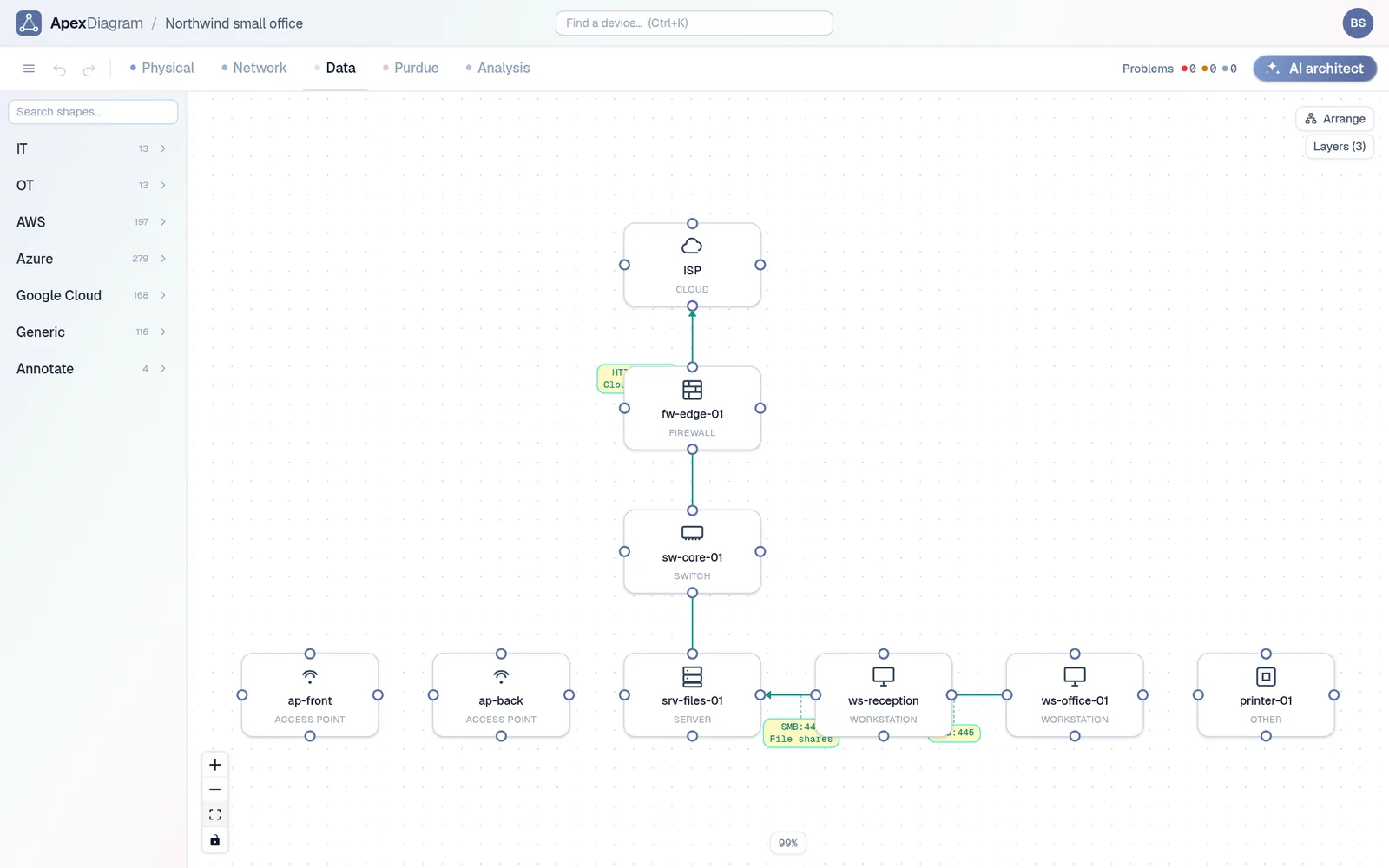
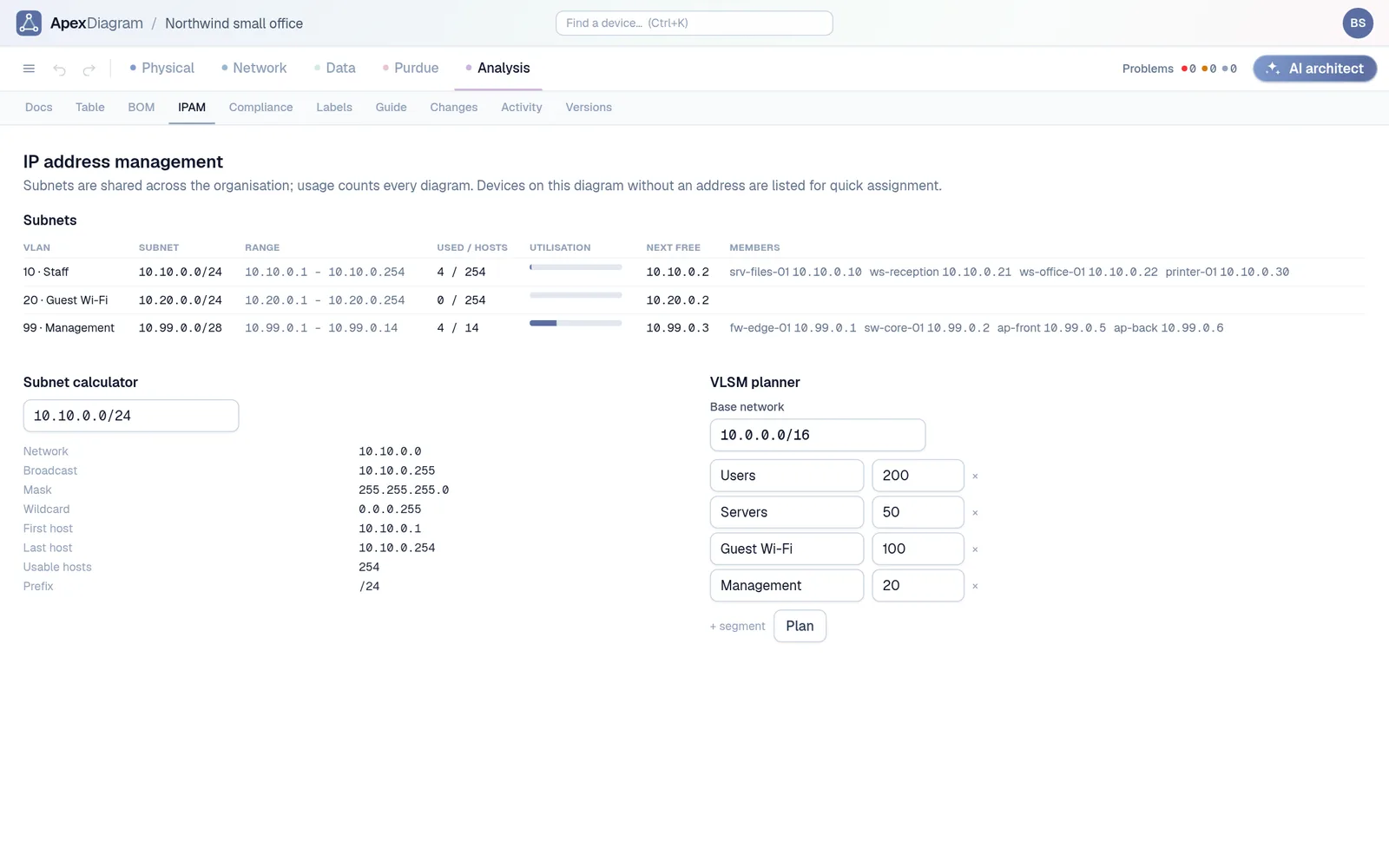
Open the Network view and every reserved device shows its address and VLAN, with the VLAN list beside it showing each subnet. Open IPAM and you see how full each subnet is and the next free address.
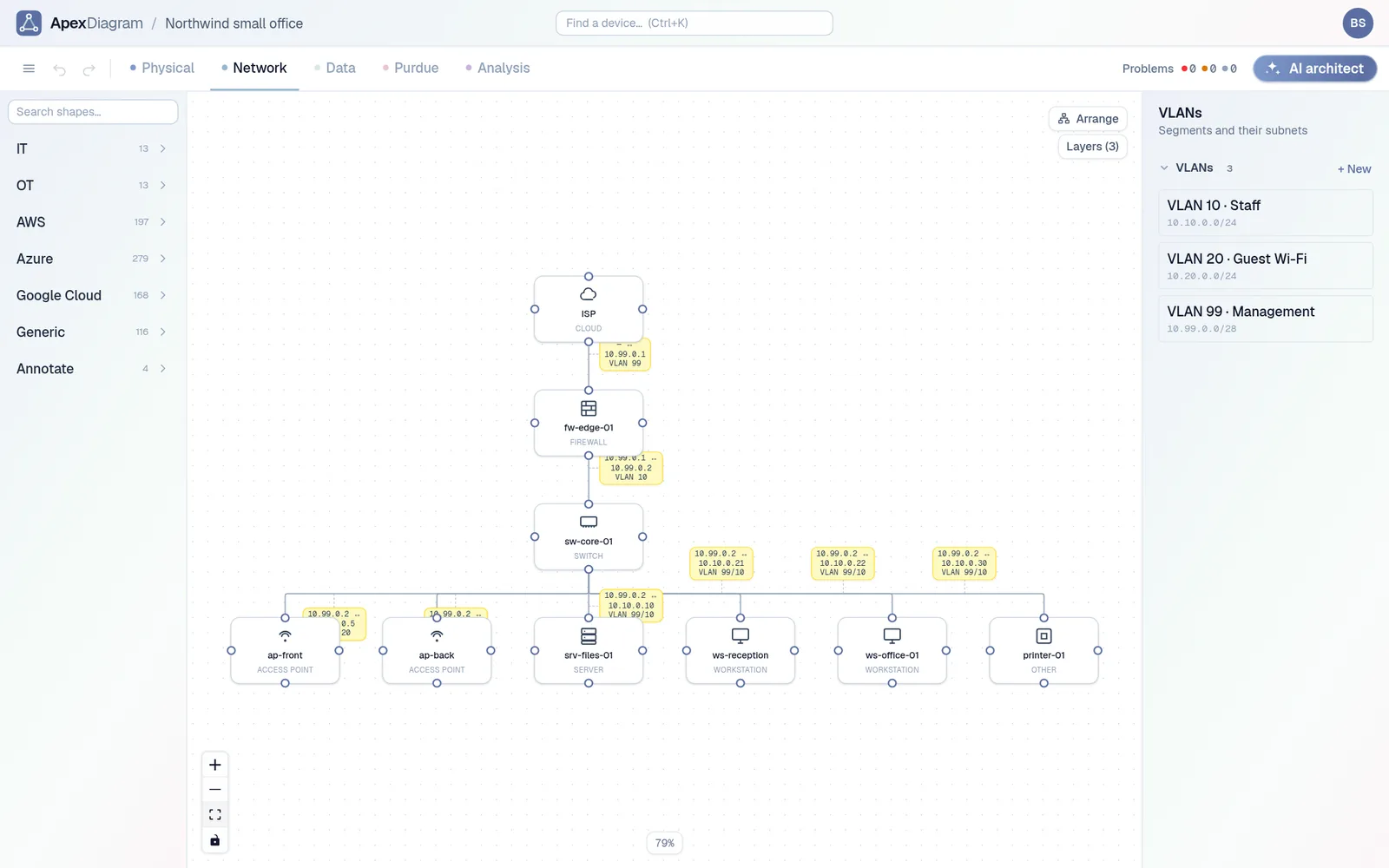 The Network view with VLANs and their subnets
The IPAM tab: utilisation and next free address
Fill in what the firewall cannot know
The config knows addresses, not cables or models. Spend ten minutes in the device popups adding the switch, which port each device uses, and the make and model of the hardware you care about. The diagram assistant helps by listing what is missing: devices with no cable, network gear with no make or model, addresses outside their subnet.
Then press Arrange in each view, and you have a diagram you can share with a read-only link.
Keep it current
When you add a reservation or a VLAN, download a new backup and drop it on Refresh from file. ApexDiagram shows what changed and saves a version before applying. The cables and models you added by hand are matched by device name, so a refresh does not throw away your work.
Start from your own config
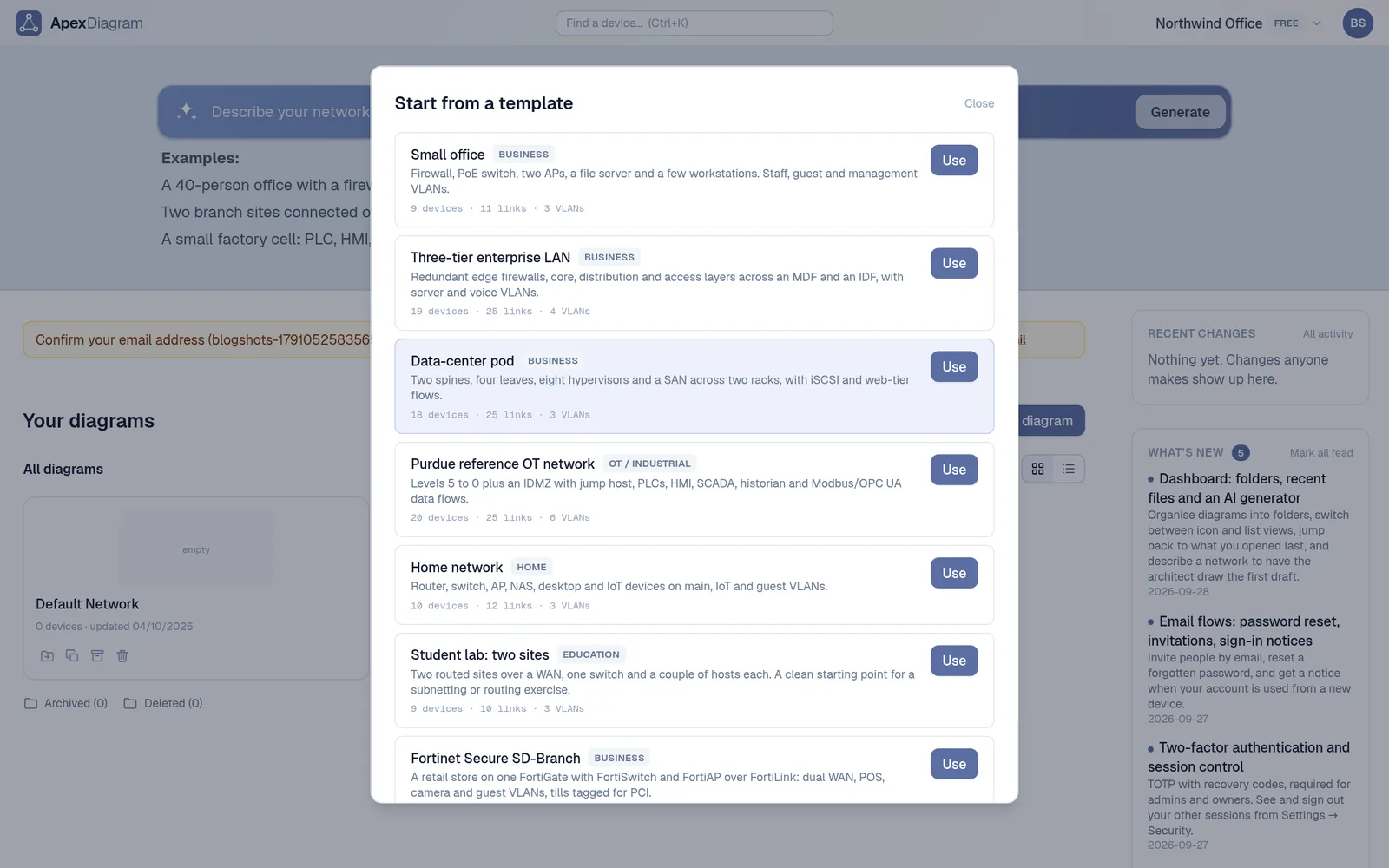
Every view and every importer are included. There is a home network template and a two-site routing lab template if you want to start from something. See plans and pricing.
Document your network once, keep it current
One network graph, four synchronized views, a linter and a bill of materials. Import the Visio or draw.io file you already have.
Join the beta