CMMC and NIST 800-171: the network diagram your System Security Plan needs
· 3 min read
What a CMMC Level 2 assessor expects from your network and CUI data-flow diagrams, how to scope the CUI boundary, and how to keep the diagrams accurate between assessments.
If your company handles Controlled Unclassified Information (CUI) for the US Department of Defense, CMMC Level 2 is now part of winning and keeping contracts. Level 2 is assessed against the 110 security requirements of NIST SP 800-171 Revision 2. None of them says "draw a network diagram" in those words. In practice, every assessment asks for one, and a weak one slows everything down.
Where the diagram comes from
Requirement 3.12.4 asks for a System Security Plan (SSP) that describes the system boundary, the environments of operation, how each requirement is met, and the connections to other systems. A boundary is very hard to describe in words alone. The network diagram is how most SSPs show it.
Two more requirements lean on diagrams:
- 3.13.1, boundary protection: monitor, control and protect communications at the external boundary and key internal boundaries. The assessor will want to see where those boundaries are and what sits on them.
- 3.1.3, control the flow of CUI: CUI should only move where it is authorised to. A data-flow diagram is the clearest evidence of where it goes.
Scope first
Before drawing, decide what is in scope. CMMC's Level 2 scoping guidance sorts assets into categories:
- CUI assets that process, store or transmit CUI.
- Security protection assets that protect them: firewalls, identity providers, logging.
- Contractor risk managed assets that could reach CUI but are not meant to, kept out by policy and controls.
- Specialized assets such as test equipment, IoT and OT.
- Out-of-scope assets that cannot reach CUI at all.
The cheapest CMMC programme is a small boundary. Many contractors put CUI into a separate enclave (a set of VLANs, a cloud tenant, or both) so the rest of the business stays out of scope. The diagram is how you prove the enclave is really separate.
What the network diagram should show
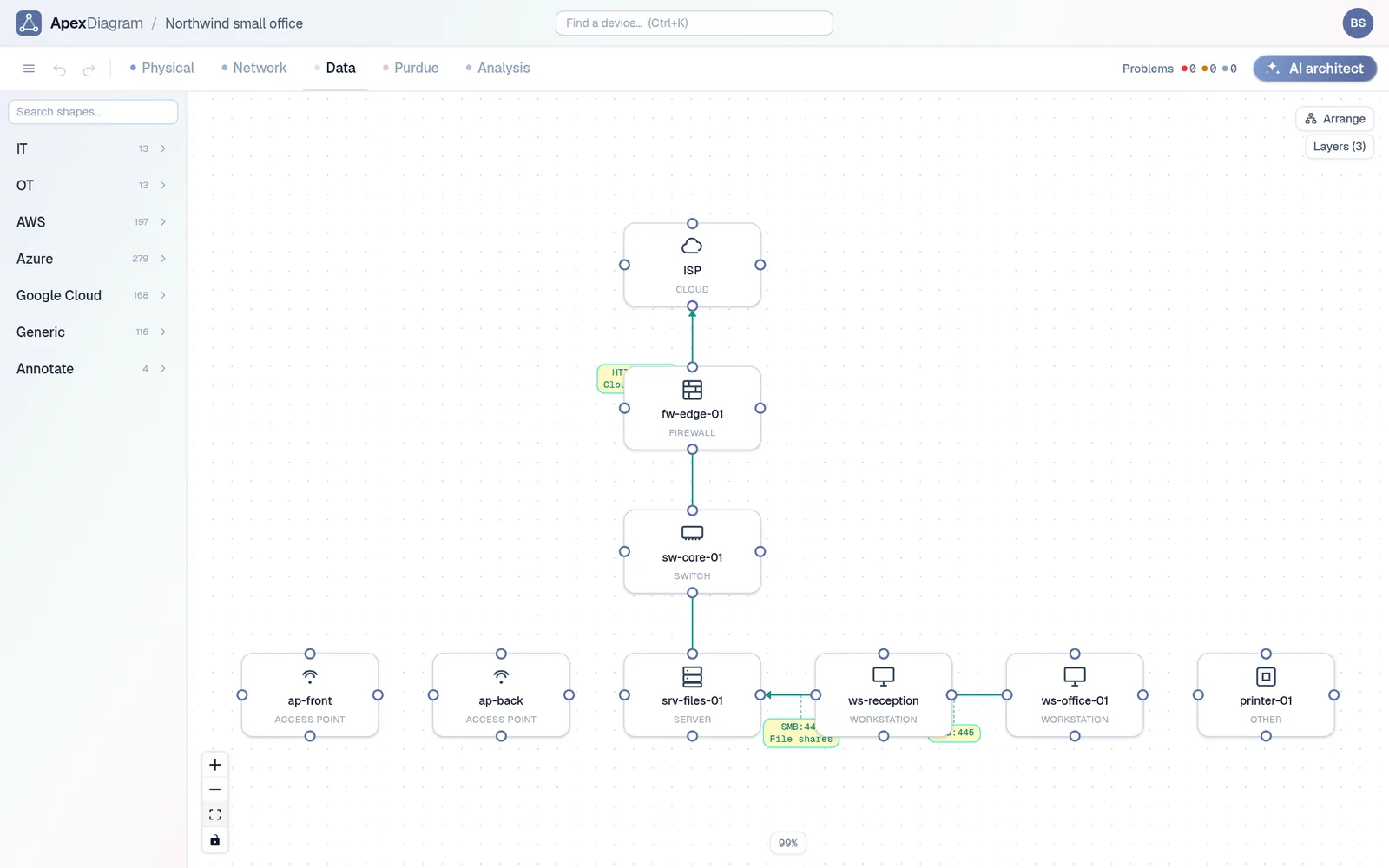
- The boundary, drawn so nobody has to guess which side a device is on.
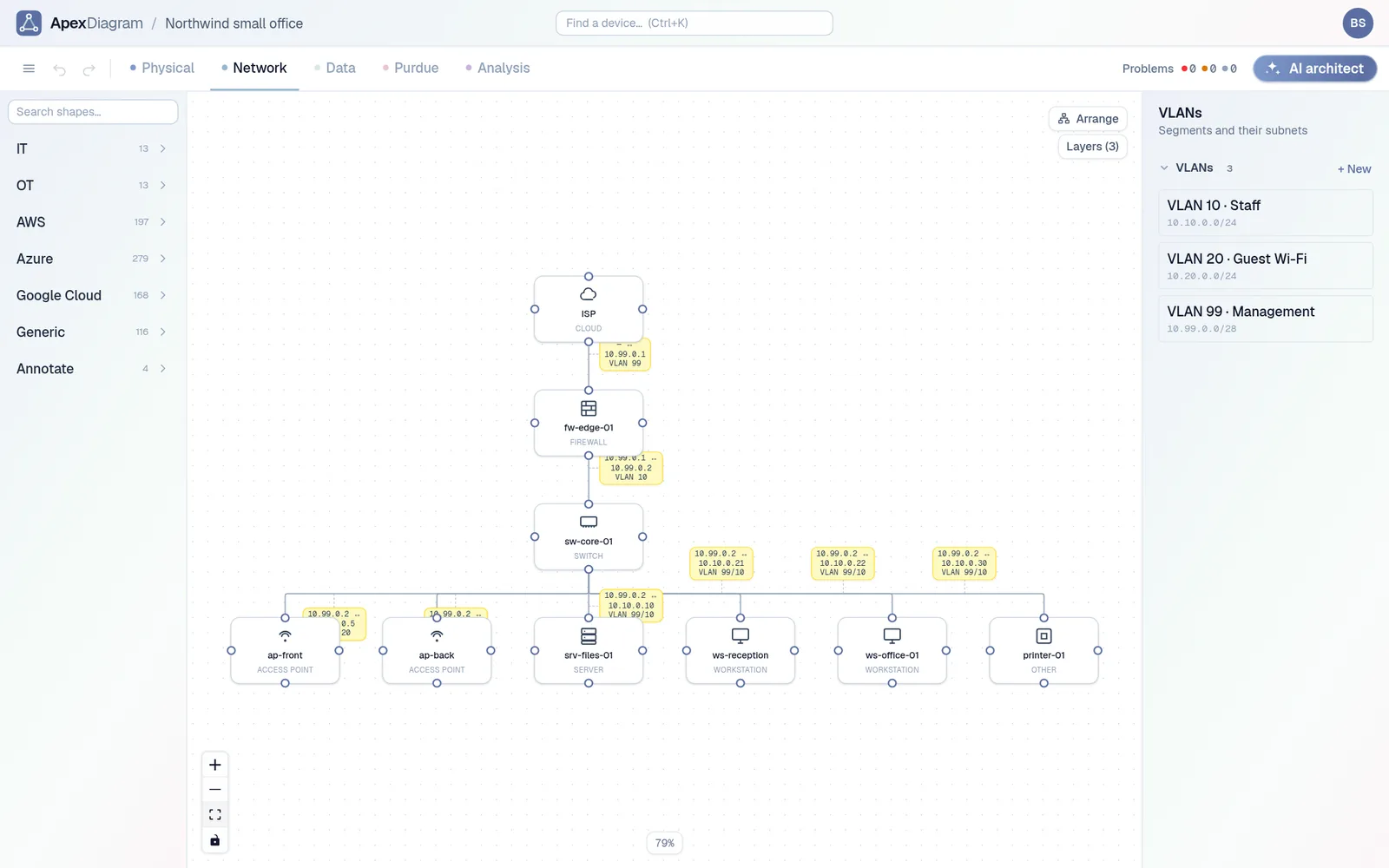
- Every device inside it, with make, model and address, matching your asset inventory.
- Every connection that crosses it, and the firewall or router that controls each one.
- External connections: internet, cloud services, remote access, managed service providers.
What the data-flow diagram should show
- Where CUI enters: email, a portal, a file transfer from the prime.
- Where it is processed and stored.
- Where it leaves, and how it is protected in transit.
- The protocol and port of each flow, so the firewall rules can be checked against it.
Keeping them accurate
The common failure is not a missing diagram, it is a stale one. A new server goes into the enclave, a cloud service gets connected, and the SSP still shows last year. An assessor who finds one undocumented device starts asking what else is missing.
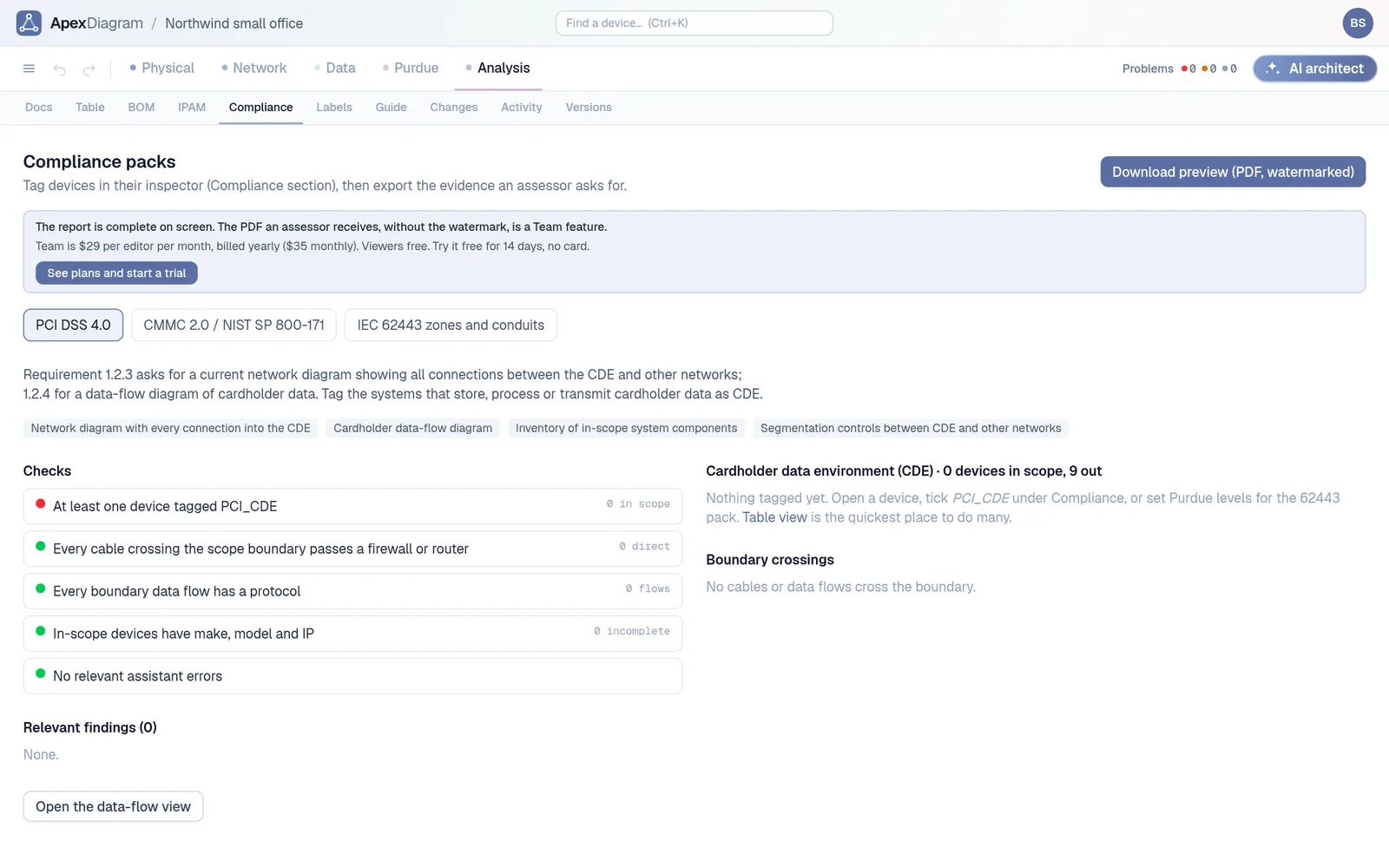
In ApexDiagram, you tag each in-scope device as CUI in its Compliance tab. The CMMC / NIST 800-171 report then lists the in-scope inventory, every cable and data flow that crosses the boundary, and flags crossings that have no firewall or router at either end. It also checks that every boundary flow has a protocol and every in-scope device has a make, model and IP. The audit pack PDF puts the network view, the data-flow view, the inventory, the boundary crossings and the findings in one document for the SSP.
The Compliance tab: in-scope inventory and boundary crossings
Versions and the activity log answer the other question assessors ask: when did this change, and who changed it?
ApexDiagram produces evidence; it is not an assessment, and it does not decide your scope for you. Agree the boundary with whoever is preparing your SSP, then use the diagram to keep it honest. The same approach for payment card data is in PCI DSS 4.0 wants two accurate diagrams. See plans and pricing.
Document your network once, keep it current
One network graph, four synchronized views, a linter and a bill of materials. Import the Visio or draw.io file you already have.
Join the beta