SolarWinds NTM is end of life. Bring your Visio exports with you
· 2 min read
Import the Visio files Network Topology Mapper left behind, get five views and a linter, and replace the scan with files from nmap, LLDP, UniFi, Meraki or NetBox.
SolarWinds Network Topology Mapper reached end of life in September 2026. If you used it to scan the network and produce a Visio diagram for the wiki, you now have a folder of .vsdx files and no tool that updates them.
You can keep editing those files in Visio by hand. Or you can bring them into a tool that understands what the shapes mean.
Import the Visio files as they are
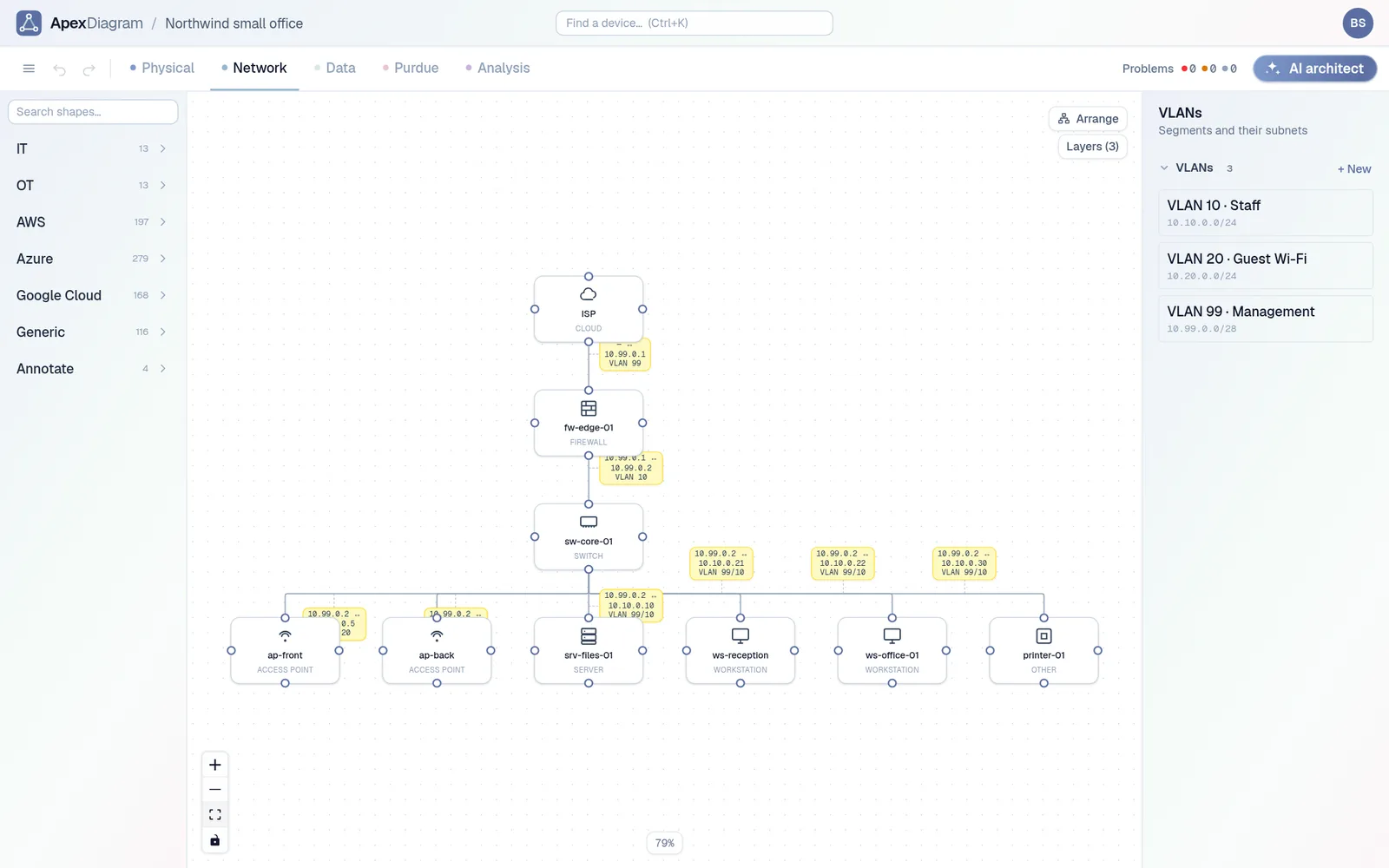
Drop a .vsdx on the ApexDiagram dashboard. The importer reads the Visio stencil names and the shape text, works out which shapes are switches, routers, firewalls, servers and workstations, and turns every connector between two devices into a cable. Positions are kept, so the Network view looks like the drawing you had. Group shapes become one device. Containers and text become annotations behind the devices.
Only the first page of each file is imported, and the import says so if there are more. If your NTM export put several sites on separate pages, save each page as its own file first.
What you get that the Visio file never had
Once the devices are records instead of shapes, the rest of the app works on them:
- The diagram assistant checks the result straight away: duplicate IPs, devices with no address, orphan devices, duplicate names.
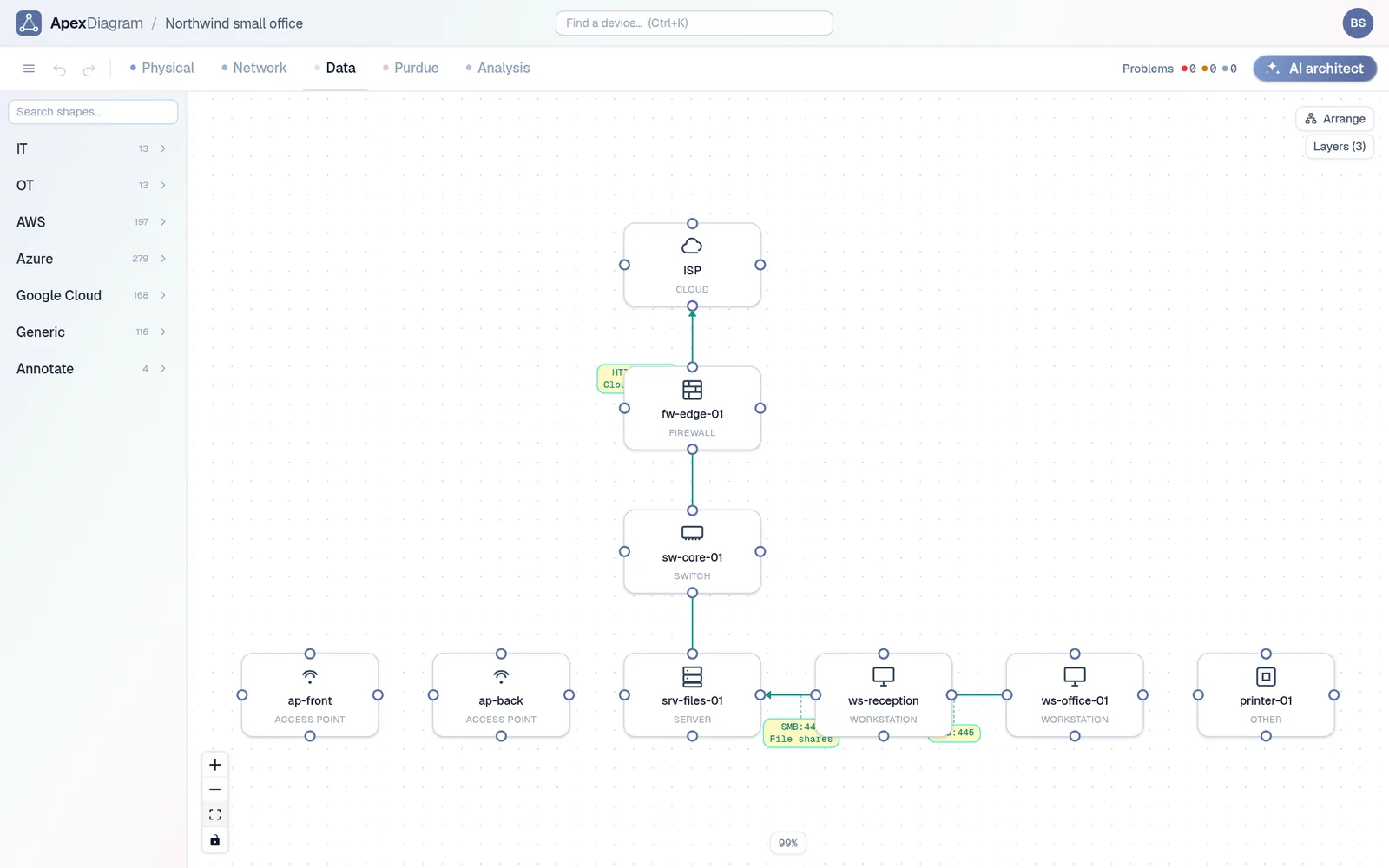
- The Physical, Data and Purdue views are generated from the same devices, so the one Visio page becomes four views.
- The bill of materials counts what you have, by make and model.
- Labels with QR codes link each physical device to its record.
An imported network as an ApexDiagram Network view
Replacing the scan
NTM's job was discovery. ApexDiagram does not run a scanner on your network, but it reads what scanners and controllers produce:
| Source | What to export |
|---|---|
| nmap | nmap -oX scan.xml -sV 192.168.1.0/24 |
| LLDP or CDP | A neighbour table as CSV or Excel, from a switch, LibreNMS or NetDisco |
| UniFi | Devices and clients as JSON from the Network application |
| Meraki | Devices and clients from the Dashboard API |
| NetBox | A JSON export, or a live pull with a URL and token |
Run the scan you trust, drop the file on Refresh from file, and ApexDiagram shows a diff of devices and cables added, removed and changed before anything is written. A version is saved first, every time.
Start with one file
Pick the NTM export you open most often and import it. See plans and pricing.
Document your network once, keep it current
One network graph, four synchronized views, a linter and a bill of materials. Import the Visio or draw.io file you already have.
Join the beta