UniFi network map: export your UniFi topology to a real diagram
· 2 min read
The UniFi topology view is good for a glance but hard to share or document. How to export UniFi devices and clients as JSON and turn them into an editable diagram.
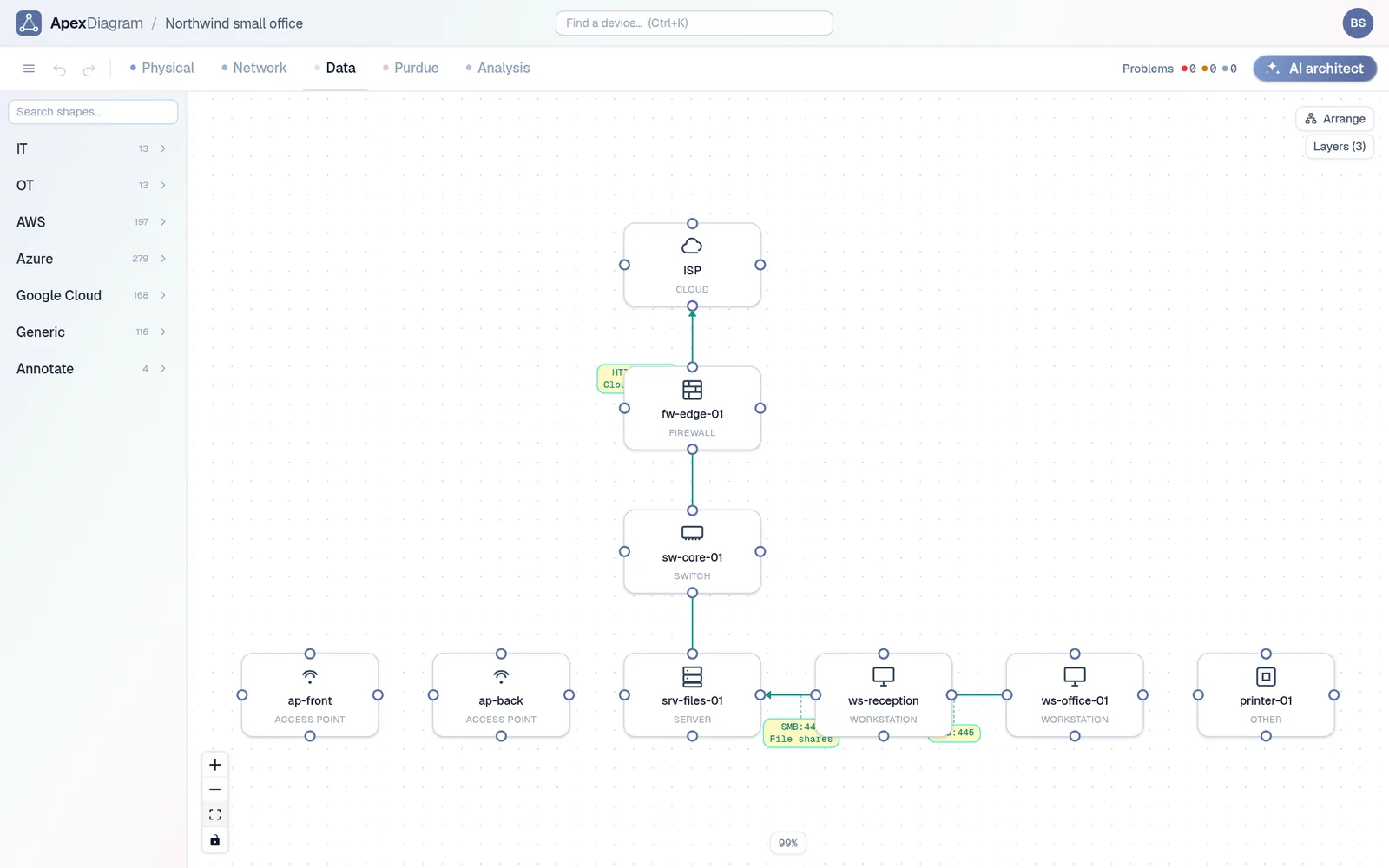
The UniFi Network application draws a live topology of your gateway, switches, access points and clients. It is good for a glance. It is not documentation: you cannot add a rack, a cable type, a note about why VLAN 30 exists, or a planned change, and you cannot hand it to someone without giving them a login.
This guide gets the same information out of UniFi as a file and into a diagram you can edit, share and keep.
What you need from UniFi
Two lists: the UniFi devices (gateway, switches, APs) and the clients. They come from the controller's API:
stat/device: every adopted UniFi device, with its model, IP, ports and uplink.stat/sta: every connected client, with the switch port or AP it is on.
On a UniFi OS console (Cloud Gateway, Dream Machine, Cloud Key Gen2 and later), the paths start with /proxy/network/api/s/<site>/; on an older standalone controller they start with /api/s/<site>/, and you sign in at /api/login instead. The site is usually default. Sign in with a local admin account, then fetch both. With curl, on a UniFi OS console:
# Sign in and keep the session cookie
curl -sk -c cookies.txt -H 'Content-Type: application/json' \
  -d '{"username":"YOUR_LOCAL_ADMIN","password":"YOUR_PASSWORD"}' \
  https://192.168.1.1/api/auth/login

curl -sk -b cookies.txt https://192.168.1.1/proxy/network/api/s/default/stat/device > device.json
curl -sk -b cookies.txt https://192.168.1.1/proxy/network/api/s/default/stat/sta > sta.json
Then put both lists into one file:
jq -n --slurpfile d device.json --slurpfile c sta.json \
  '{devices: $d[0].data, clients: $c[0].data}' > unifi.json
Keep unifi.json private: it lists every device on your network.
Import it
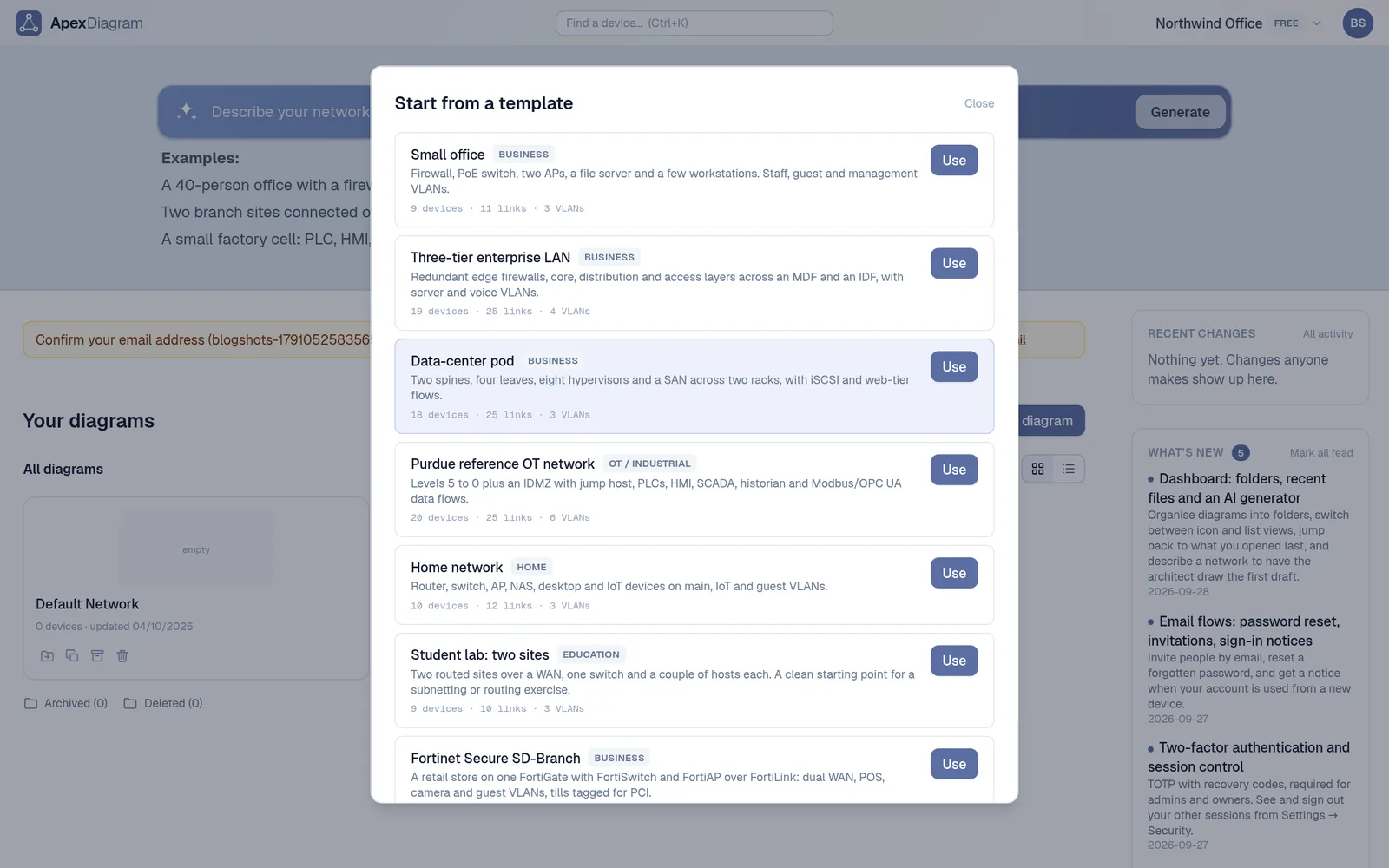
Drop unifi.json on the ApexDiagram dashboard. The format is detected from the content. You get:
- Switches, APs and gateways with their model, IP and port count.
- Wired clients cabled to their switch port.
- Wireless clients joined to their AP with a link marked Wi-Fi.
- Switch uplinks between your UniFi devices.
Press Arrange, then rename the clients that came in as a MAC vendor. Most networks have a handful of devices called "Espressif" (smart plugs) or "Apple".
Add what UniFi does not know
Now make it documentation:
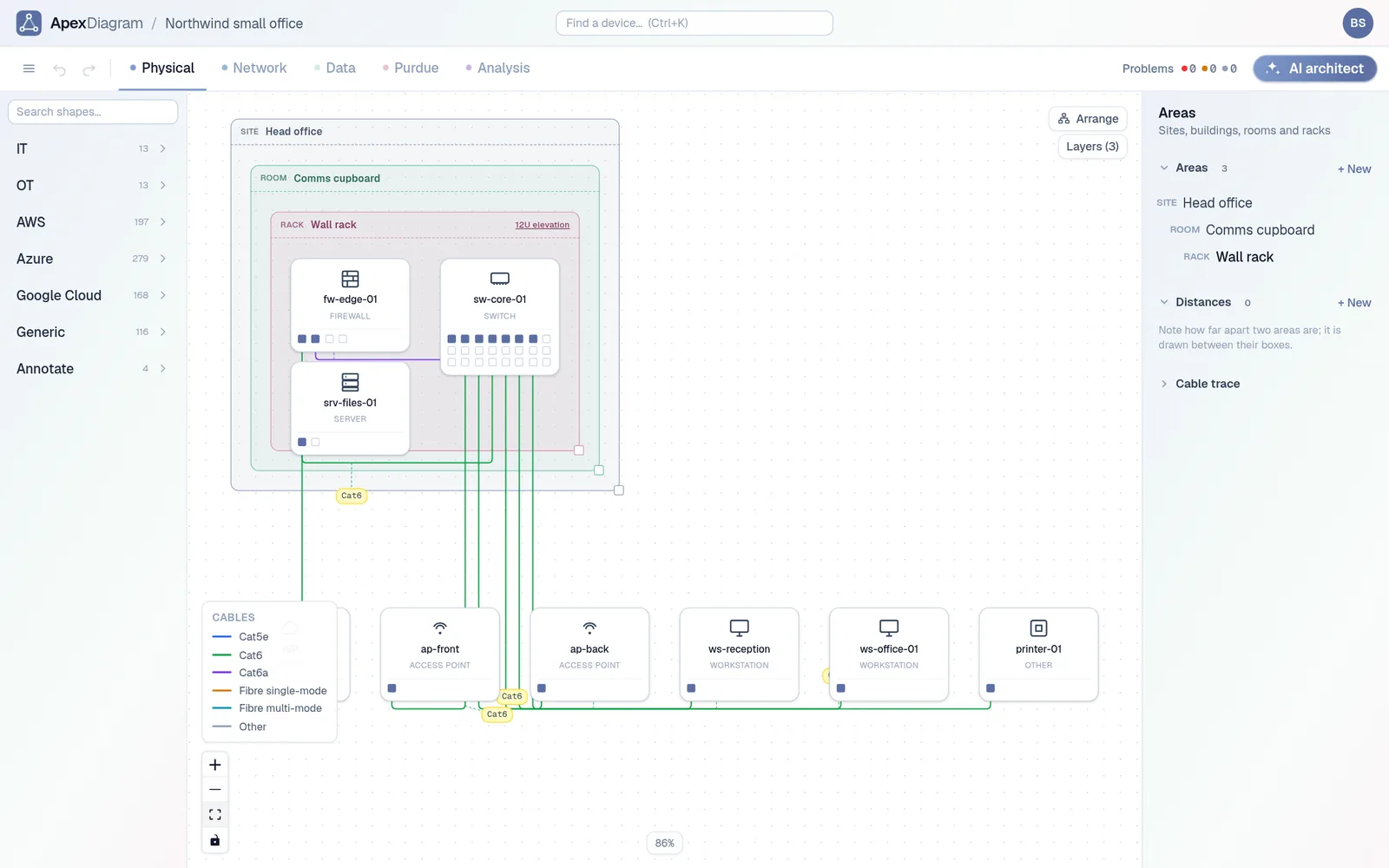
- Locations. Put the gateway and switch in the utility closet or rack, and the APs in the rooms they serve.
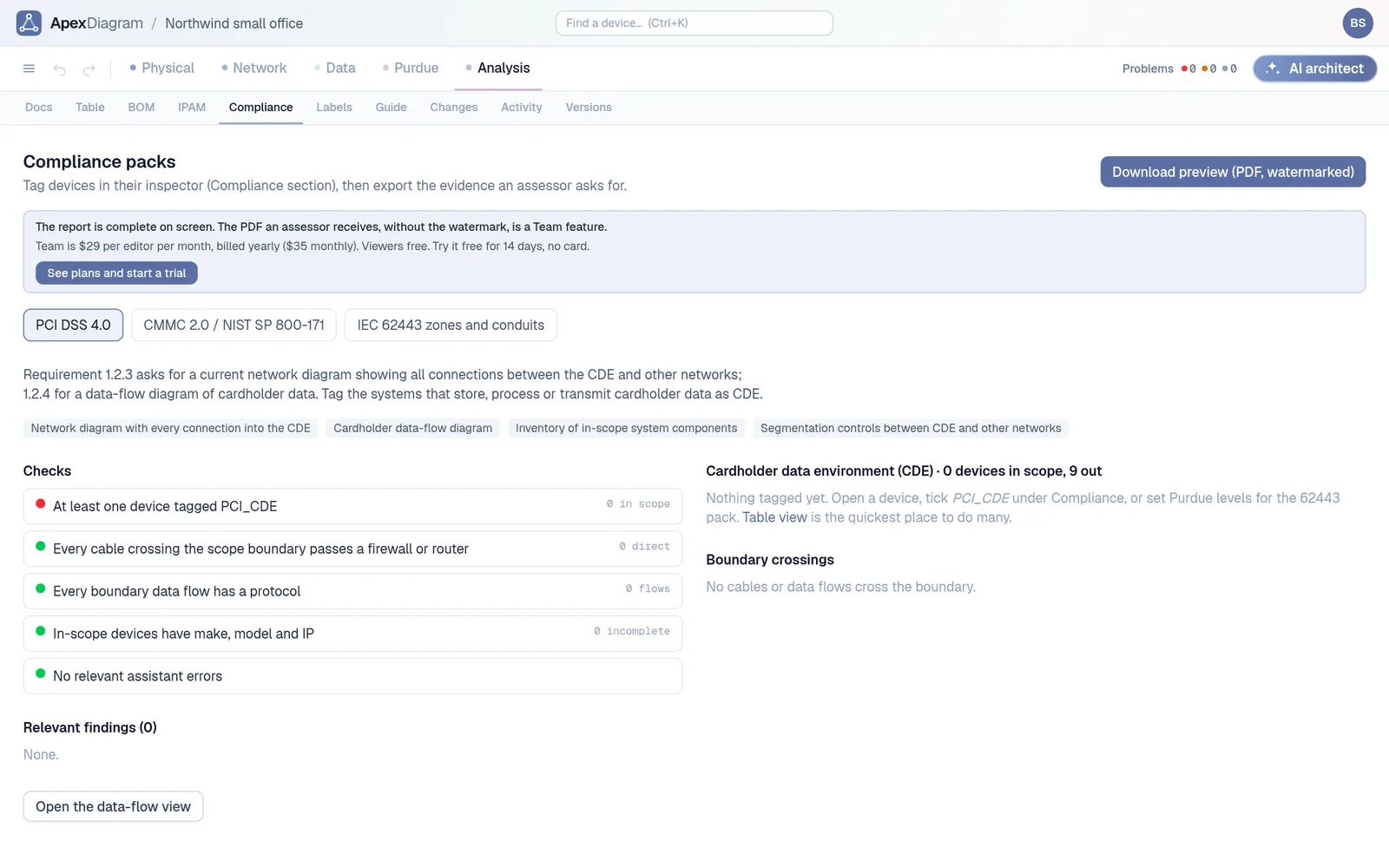
- VLANs and subnets. Record each network's subnet, gateway and DHCP range, and the diagram assistant will warn you about static addresses inside the pool.
- Flows. Write down the rules that matter: IoT can reach the internet but not the NAS.
- Notes. Why the cameras are on their own VLAN, where the spare AP is, the ISP's support number.
Wired and wireless clients, each attached to the switch port or access point it was seen on
Keep it in step
When you add devices, fetch the two lists again and use Refresh from file on the diagram. ApexDiagram shows what was added, removed or changed before applying anything, and keeps your locations, notes and flows.
The same works for a CSV topology export from UniFi or any other tool that writes a neighbour table: see Turn an LLDP or CDP neighbour table into a network map.
If you are starting a homelab diagram, three homelab examples show what to aim for. See plans and pricing.
Document your network once, keep it current
One network graph, four synchronized views, a linter and a bill of materials. Import the Visio or draw.io file you already have.
Join the beta