Why ApexDiagram: five things it does that drawing tools cannot
· Updated · 2 min read
One record with five views, a linter, imports from the tools you already have, deliverables from the same data, and an API your team and assistants can use.
Plenty of tools draw networks. ApexDiagram is built on a different idea, and that idea is why it is worth your time. Here are the five things that set it apart, each with what it saves you.
1. One record, four views
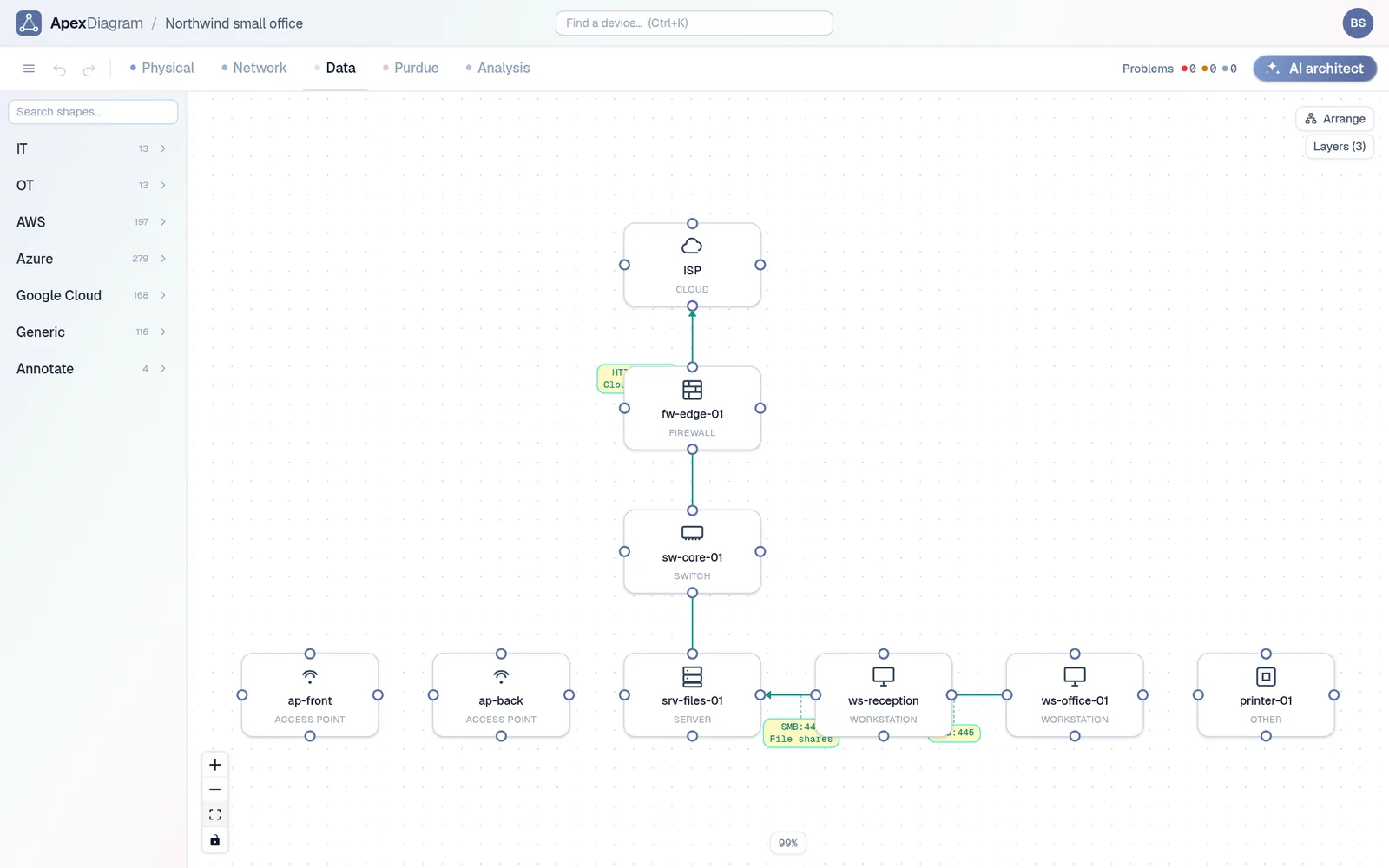
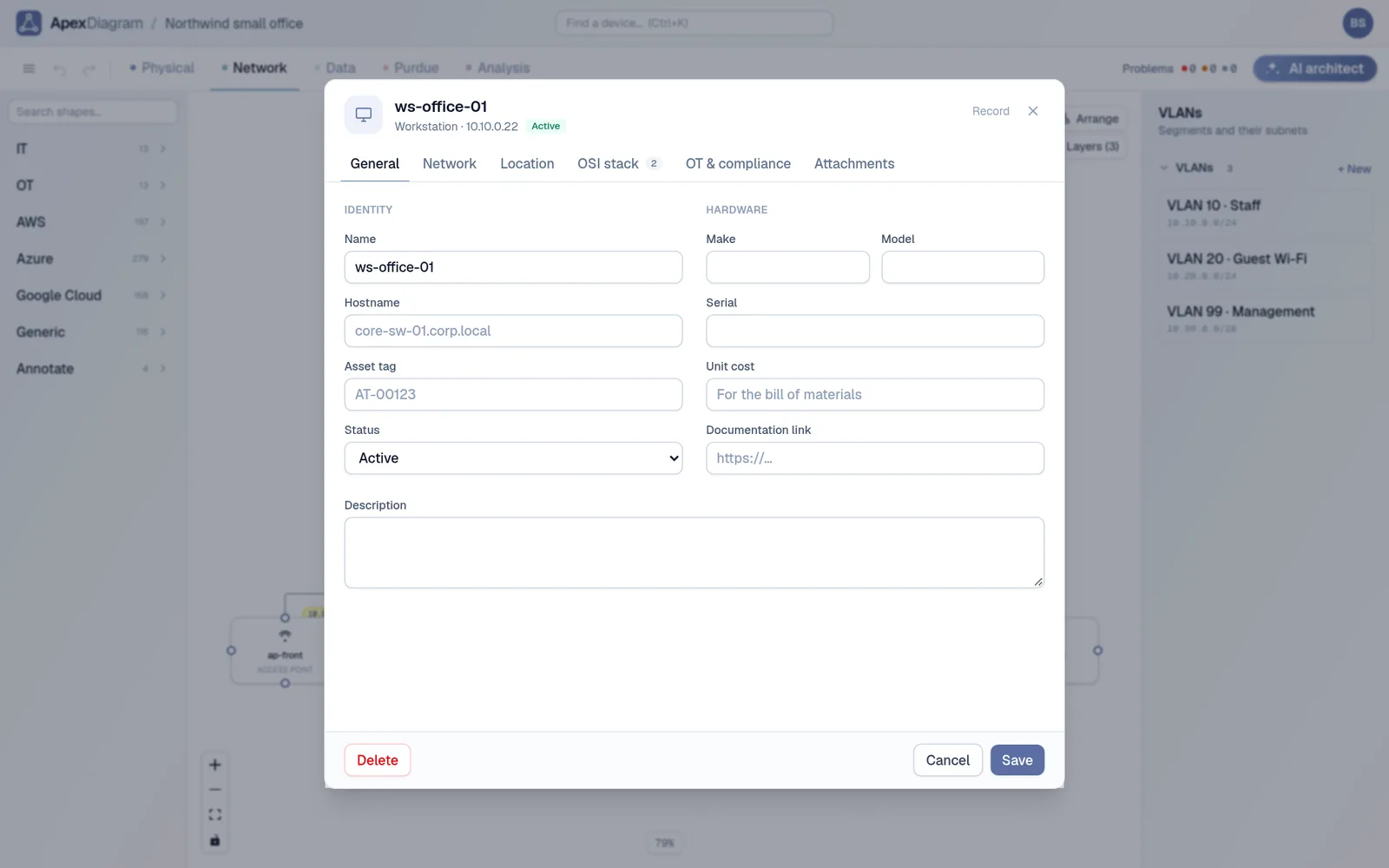
A device in ApexDiagram is stored once, with its ports, addresses, VLAN, rack slot and Purdue level. The Physical, Network, Data and Purdue views follow the OSI layers, from cables up to applications, and are four ways of looking at that same record.
What it saves you: keeping four diagrams in step by hand. Replace a switch, edit one device, and the rack drawing, the topology, the VLAN map and the data-flow diagram are all current.
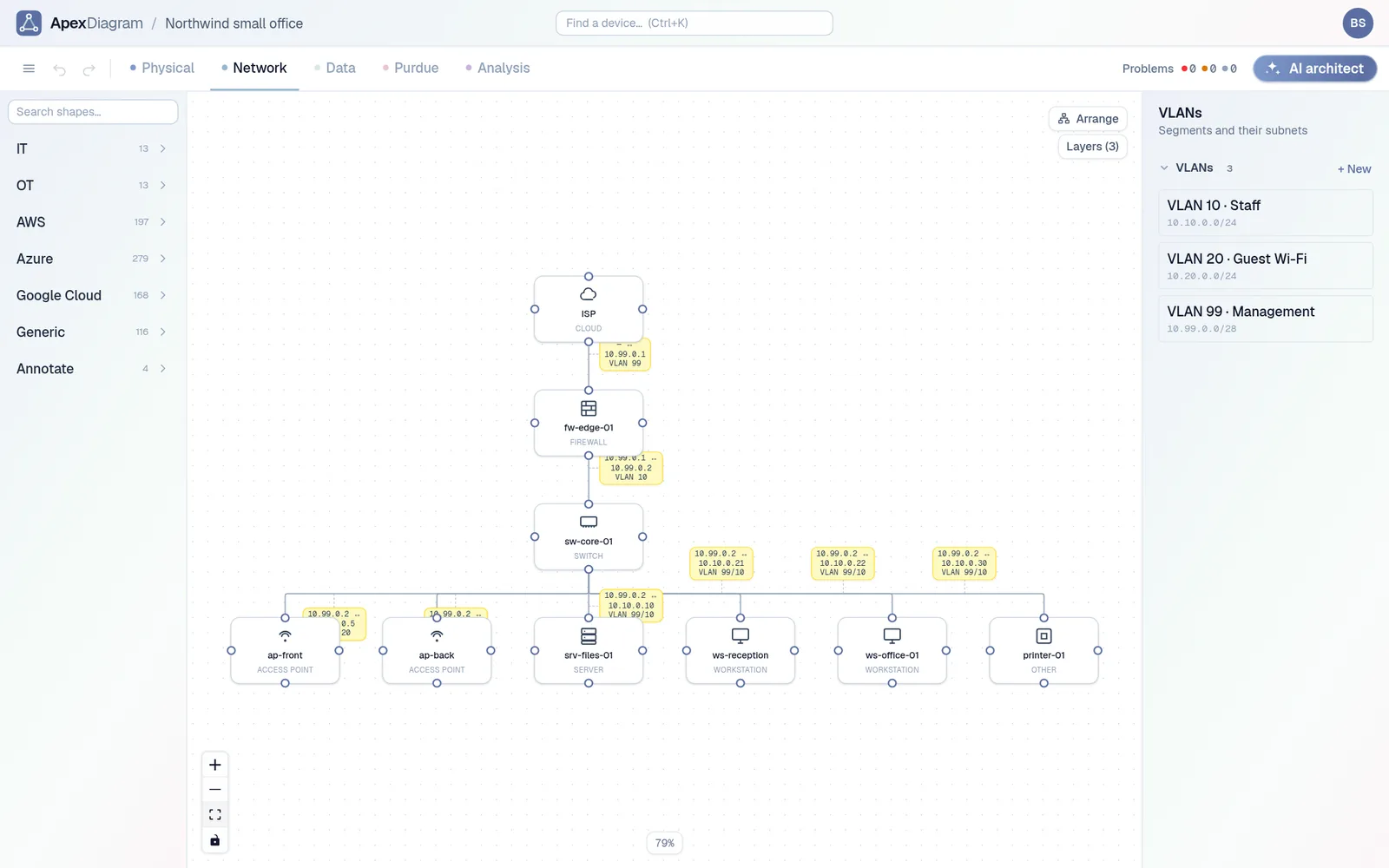 The Network view of the same devices, with VLANs and subnets
2. It checks your work
Seventeen rules run over the diagram continuously: duplicate IPs, addresses outside their subnet, cables past their rated length, patch-panel channels that are too long, rack overlaps, Purdue zone crossings, orphan devices and more. Click a finding and the device opens.
What it saves you: finding the mistake on site, with a cable in your hand.
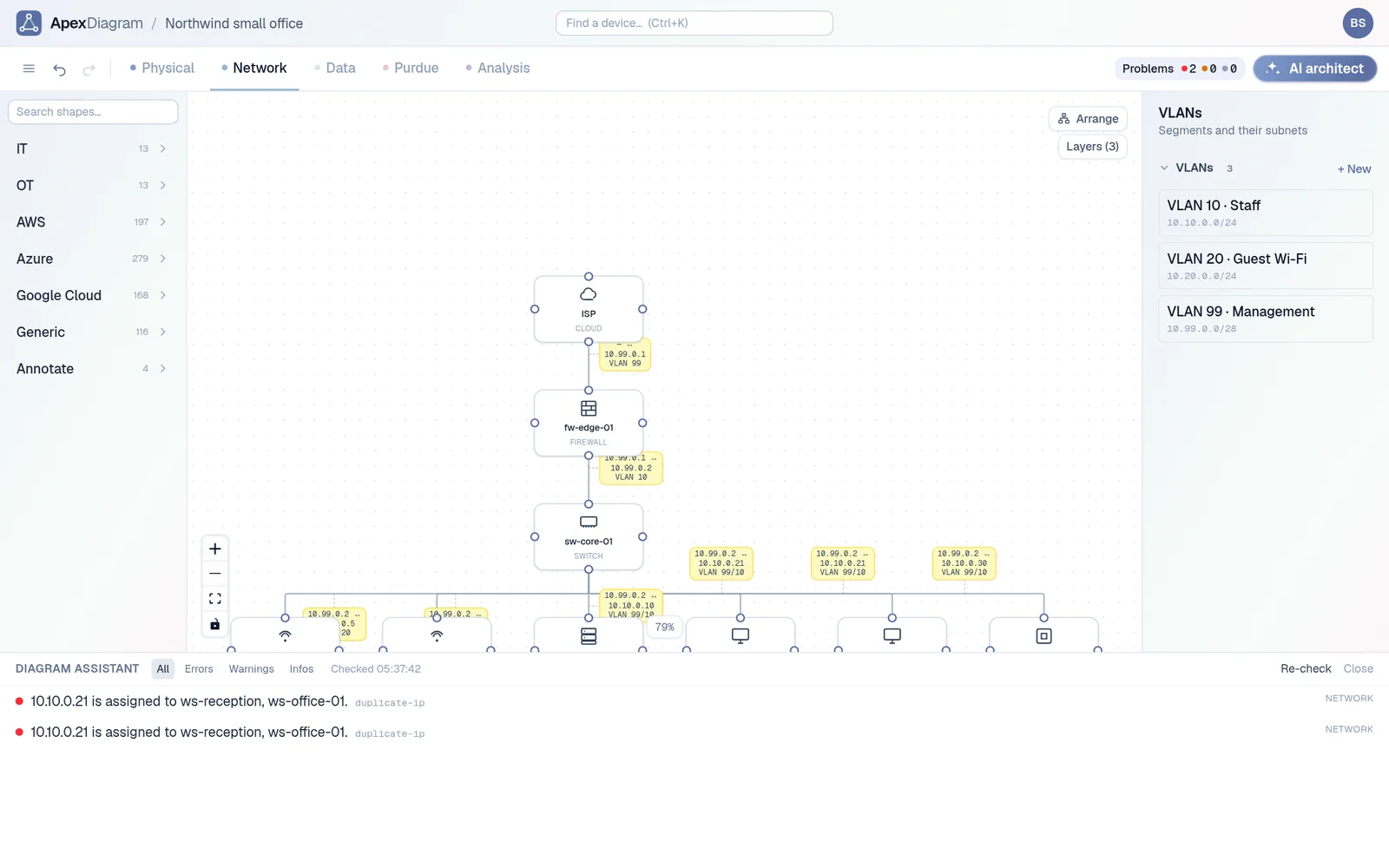 The diagram assistant catching a duplicate IP
3. It brings in what you already have
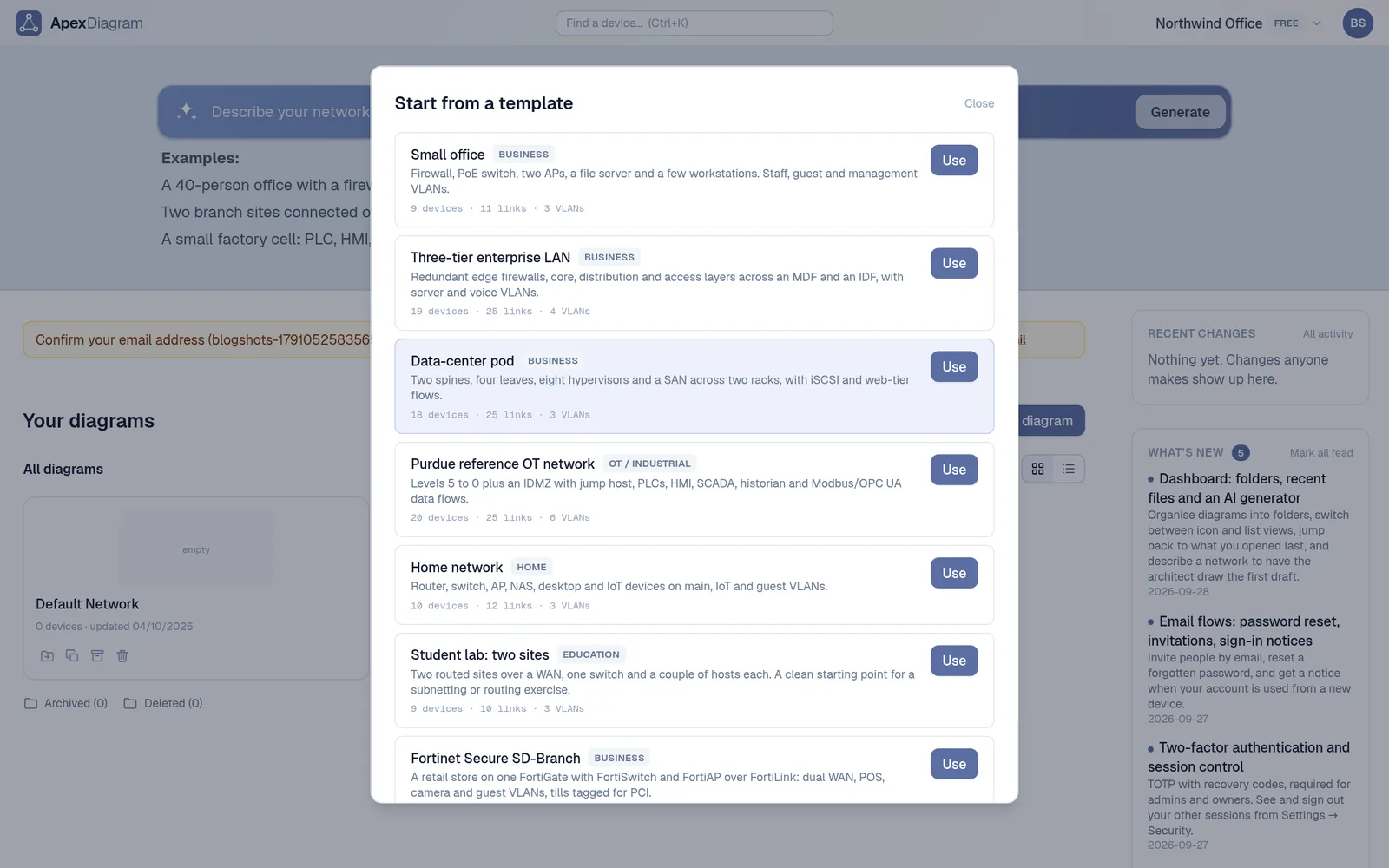
Drop a file on the dashboard and the format is detected from the content: draw.io, Visio, CSV or Excel device lists, pfSense and OPNsense configs, nmap scans, LLDP and CDP neighbour tables, UniFi, Meraki and NetBox exports. Later, Refresh from file shows exactly what changed before anything is written, and saves a version first.
What it saves you: redrawing. And it stays current without a collector on your network or a per-device bill.
4. It turns a diagram into deliverables
The same record produces the things people actually ask for:
- A bill of materials with cost, as CSV, Excel or PDF.
- An IPAM page with utilisation, next free address and a VLSM planner.
- Labels with QR codes that open the device record on a phone.
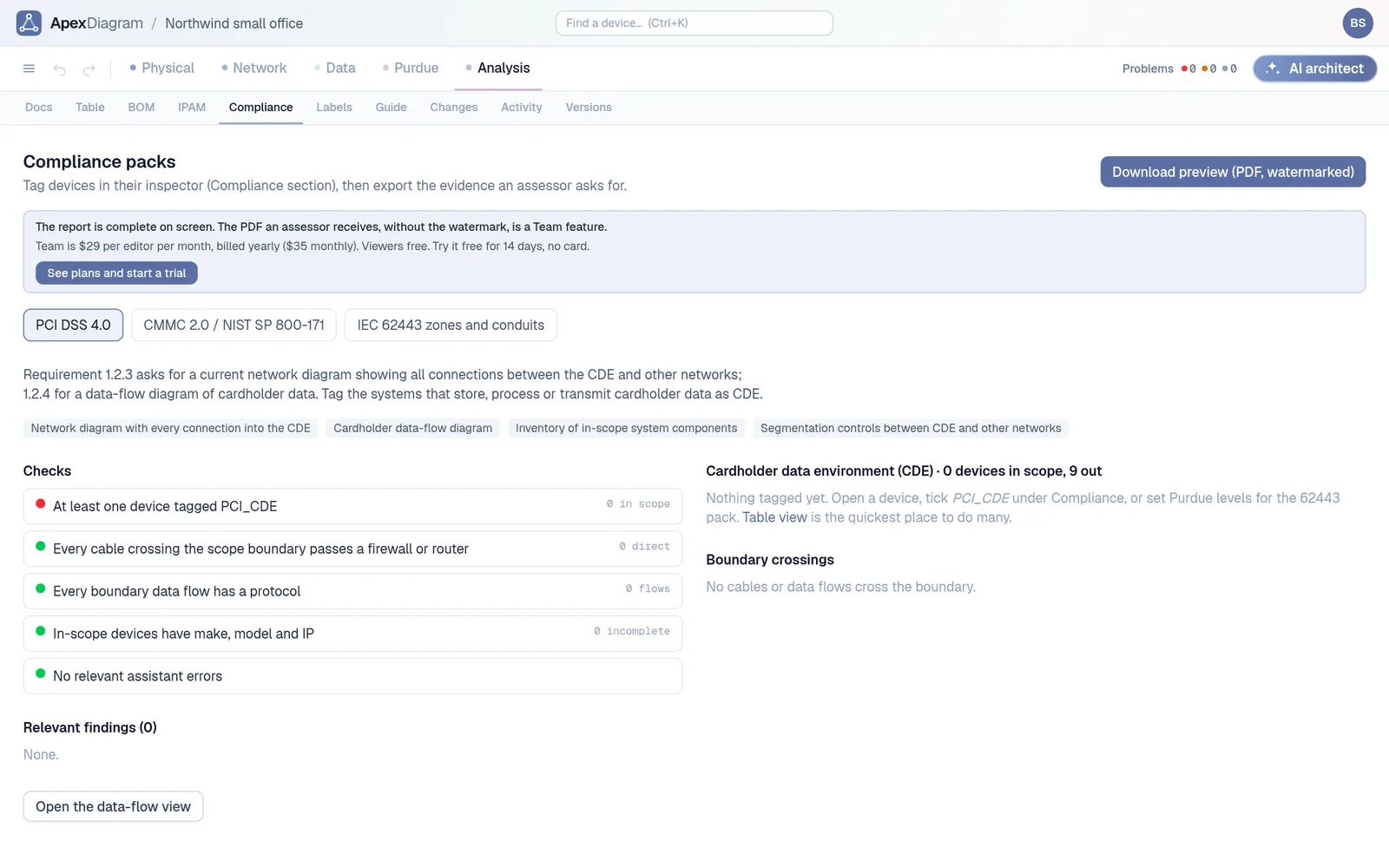
- Compliance packs for PCI DSS 4.0, CMMC and NIST 800-171, and IEC 62443, with a one-click audit PDF.
- A Containerlab topology, so you can boot the network you drew.
- YAML you can keep in git, and PNG, SVG and PDF for the wiki.
What it saves you: the spreadsheet, the order list and the audit binder you would otherwise build from the drawing.
 A bill of materials rolled up from the diagram
5. It is open to your tools and your team
A REST API with an OpenAPI spec and an MCP server let scripts and AI assistants read and edit diagrams through the same rules as the app. The built-in AI architect adds devices, VLANs and cables from a sentence, and saves a version first. Read-only share links, version history with diff and restore, change approval and an audit trail cover the people side.
What it saves you: choosing between a tool your engineers like and one your auditor accepts.
Try it on your own network
The fastest way to judge it is with your own network. Import the diagram you already have and see what it finds. See plans and pricing.
Document your network once, keep it current
One network graph, four synchronized views, a linter and a bill of materials. Import the Visio or draw.io file you already have.
Join the beta