Network documentation template for a small business (checklist)
· 4 min read
The twelve things a small business's network documentation should hold, as a checklist you can copy, with what each item is for and how to keep it current.
Small businesses rarely have no network documentation. They have a diagram from the installer, a spreadsheet of IP addresses, a note in someone's inbox with the ISP account number, and a lot of knowledge in one person's head. The problem shows when that person is on holiday and the internet goes down.
Below is the checklist we use. Copy it into your wiki, a document or a ticket and work through it. Each item says what it is for, so you can skip what does not apply.
The checklist
NETWORK DOCUMENTATION CHECKLIST

[ ] 1.  Site and contacts: address, comms room location, who has keys, IT contact, out-of-hours contact
[ ] 2.  Internet and WAN: ISP, circuit ID, account number, support phone, contract end date, static IPs
[ ] 3.  Device inventory: name, type, make, model, serial, location, rack unit, warranty end
[ ] 4.  IP plan: every subnet, its VLAN, gateway, DHCP pool, DNS servers, and every static address
[ ] 5.  VLANs: number, name, purpose, which ports and trunks carry it
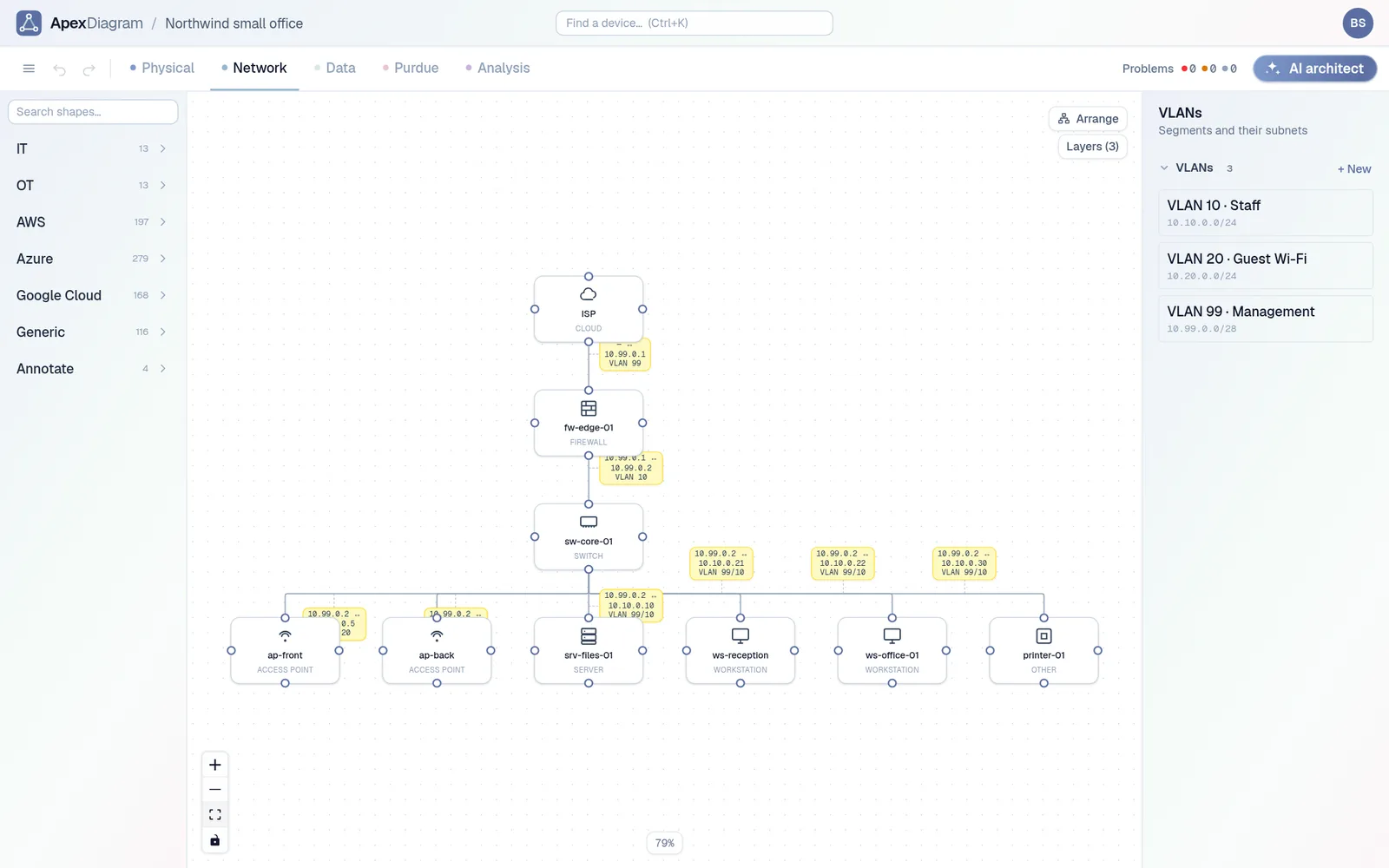
[ ] 6.  Logical diagram: subnets, routing and firewall points, trunks
[ ] 7.  Physical diagram: racks, rack units, patch panels, every cable end to end with its type
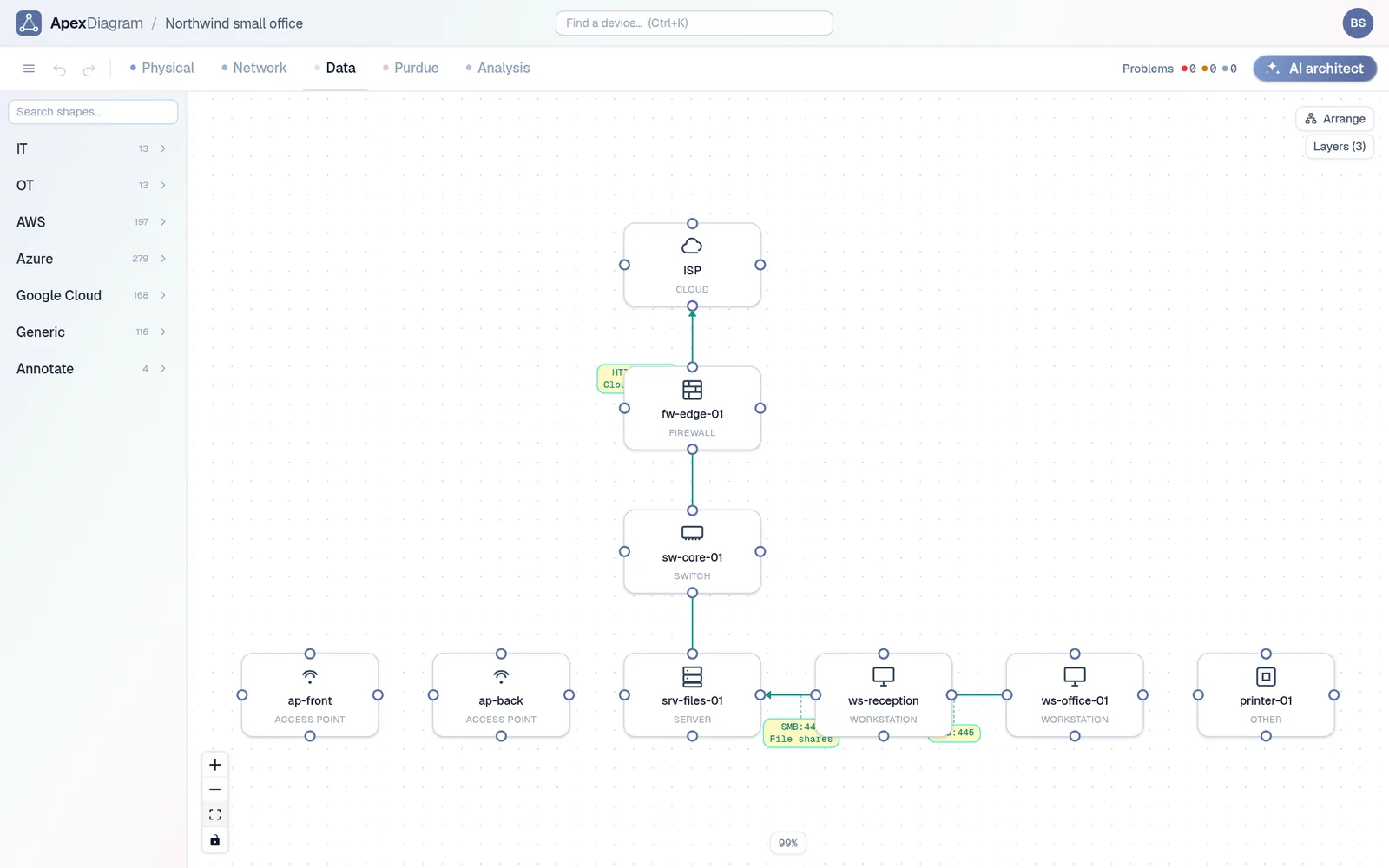
[ ] 8.  Data flows and firewall rules: which system talks to which, on what port, and why
[ ] 9.  Wireless: SSIDs, which VLAN each one lands on, security mode, where the APs are
[ ] 10. Where secrets live: the password manager vault or entry for each admin login (never the passwords)
[ ] 11. Backups and configs: where firewall and switch configs are backed up, how to restore one
[ ] 12. Change log: what changed, when, by whom
What each item is for
1 and 2: the phone numbers. When the network is down, the first useful thing is the ISP's support number and the circuit ID. Put the contract end date next to them: renewal dates are how small businesses end up paying for a line they stopped using.
3: the inventory. Serials and warranty dates are what you need when something fails. Make and model are what you need when you open a second office and want the same kit.
4 and 5: the address plan. The most common small-office fault after "the internet is down" is an IP conflict: a printer or camera given a static address inside the DHCP pool. Writing down the pool next to the statics prevents it.
6 and 7: the two diagrams. The logical one is for troubleshooting, the physical one is for whoever has to touch a cable. See Physical vs logical network diagram for what goes on each.
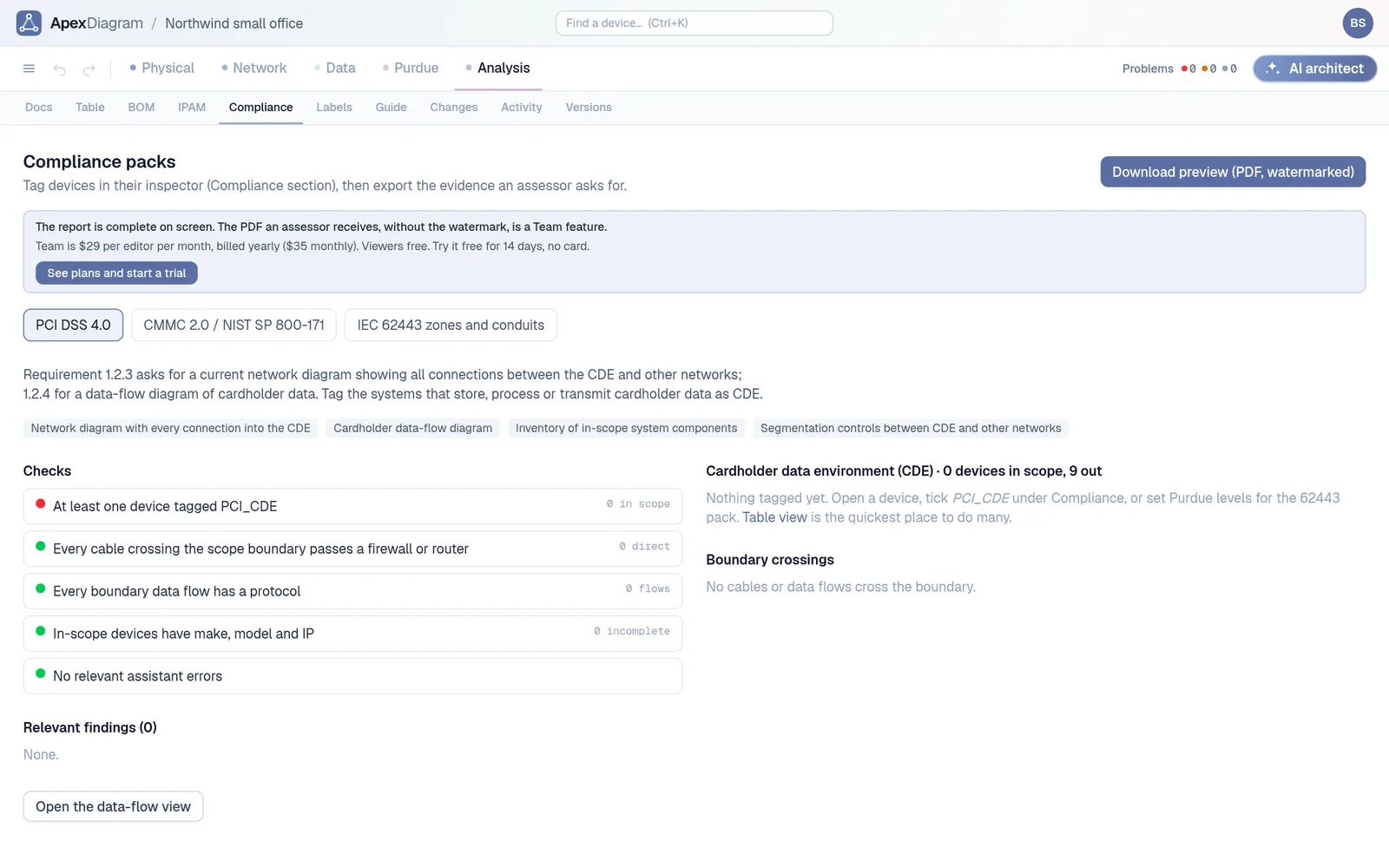
8: the flows. This is the item most often missing, and the one an auditor or a cyber insurer asks about. "Which systems can reach the accounts server?" should have a written answer.
9 to 12: the rest. Short, but each one saves an afternoon when it is needed.
Keeping it current
A checklist done once is out of date within a year. Three habits keep it alive:
- Update it as part of the change, not after. A new printer is not finished until it is in the inventory and the IP plan.
- Keep one record, not five files. If the inventory, the IP plan and both diagrams are separate, they drift apart. Every copy is a chance to disagree.
- Check it on a schedule. Once a quarter, compare the documentation with reality: a fresh scan, the switch's neighbour table, a walk past the rack.
Doing it in ApexDiagram
Most of the checklist is one record in ApexDiagram, with each item a view or a tab of it:
| Checklist item | Where it lives |
|---|---|
| 3. Inventory | Every device's popup, and the Assets table |
| 4 and 5. IP plan and VLANs | The IPAM tab and the VLAN list, with gateway, DHCP pool and DNS servers |
| 6. Logical diagram | The Network view |
| 7. Physical diagram | The Physical view: sites, rooms, racks, cables by type, patch panels |
| 8. Flows and firewall rules | The Data view, and firewall rules generated from it |
| 2. WAN circuits | Circuit records with carrier, circuit ID, support phone and contract end, with a warning 90 days before it ends |
| 1, 9, 10, 11 | The diagram's documentation page, in Markdown, with links straight to devices |
| 12. Change log | Versions and the activity log |
The diagram assistant then checks the parts a checklist cannot: a static address inside the DHCP pool, a duplicate IP, a subnet with no gateway, a cable longer than its type allows.
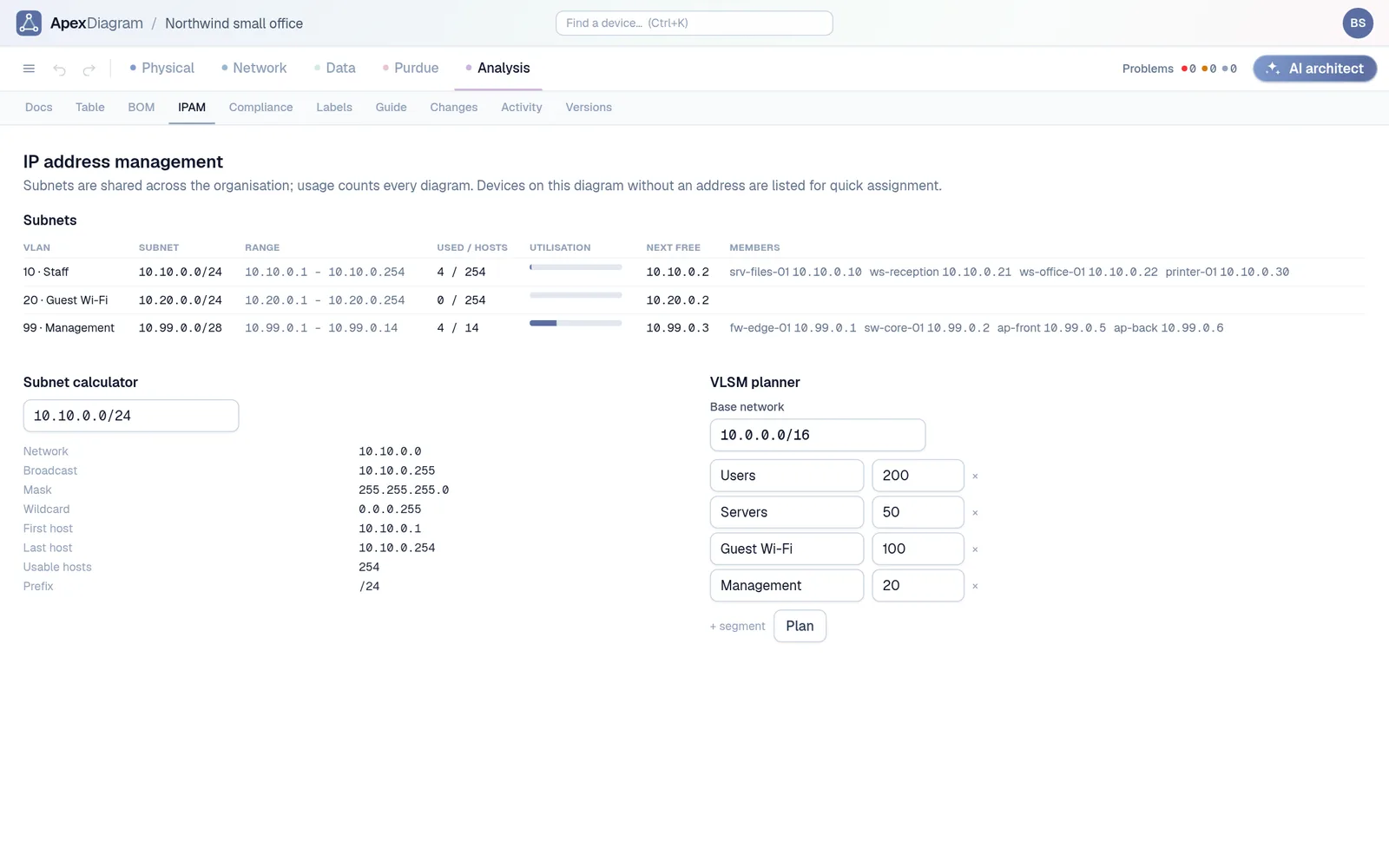 The IPAM tab: subnets, utilisation and the next free address
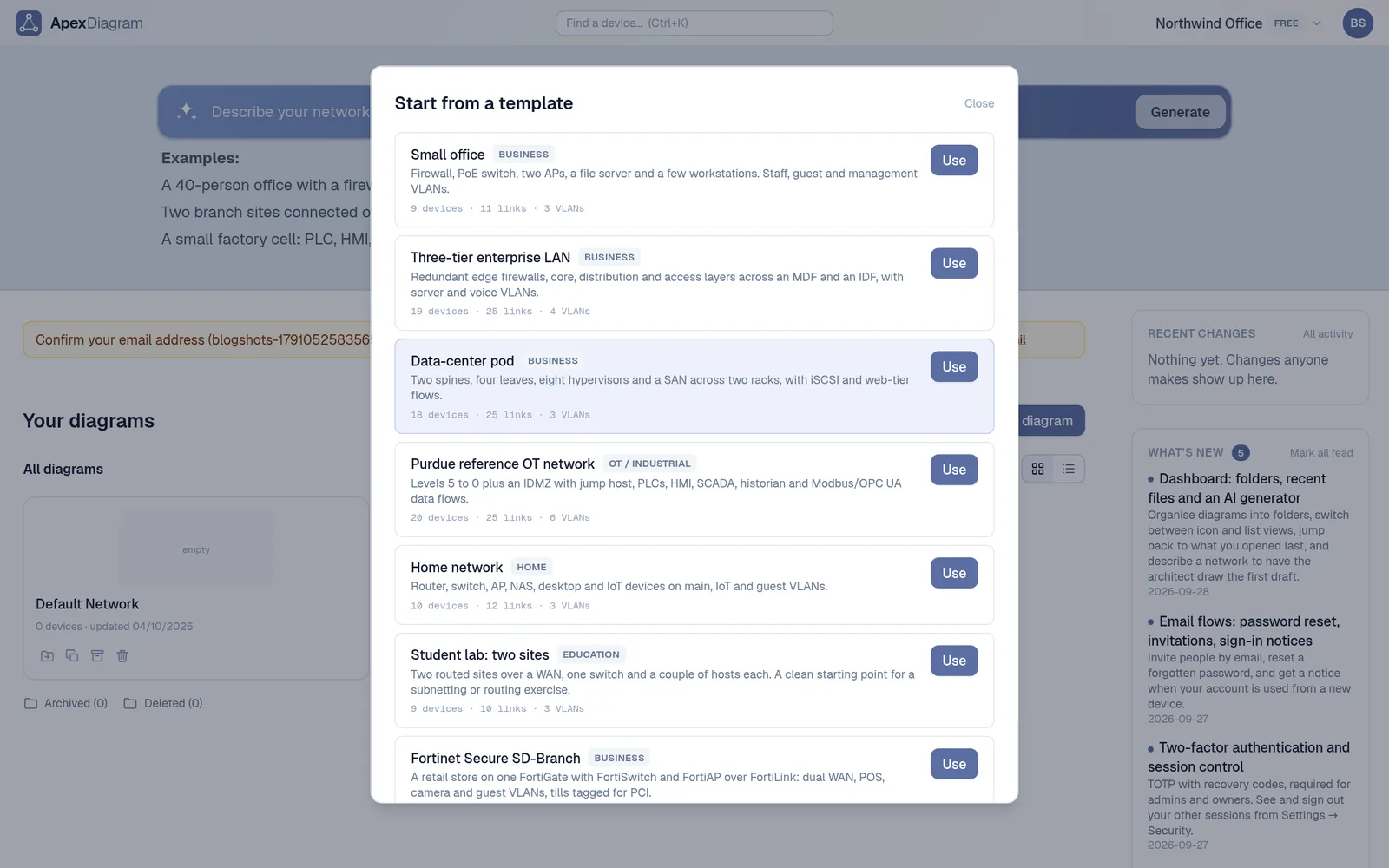
Start from the Small office template, or import the spreadsheet and diagram you already have. See plans and pricing.
Document your network once, keep it current
One network graph, four synchronized views, a linter and a bill of materials. Import the Visio or draw.io file you already have.
Join the beta